

 Digital product


Memories
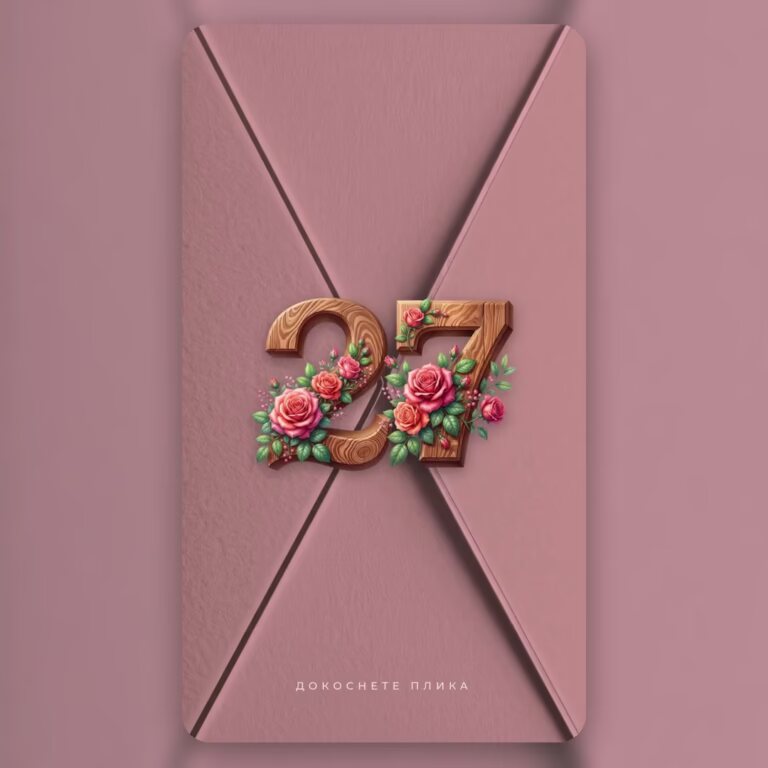
Christmas Memory Page „First Christmas“ - a page for baby's first Christmas with photos and a timeline
Snowy pine branches, photos from the first Christmas and the little big moments: the birth, the first smile, the first word.
- You get it right awayLink and PIN by email - minutes after payment.
- You edit it yourselfNo designer and no waiting - from your phone or computer.
- As many times as you likeChange the time, venue or menu - right up to the day.
The problems it solves
No more phone calls and guest lists.
One invitation does the job of the invitation, the guest spreadsheet and every “where was it again?” message.
Live
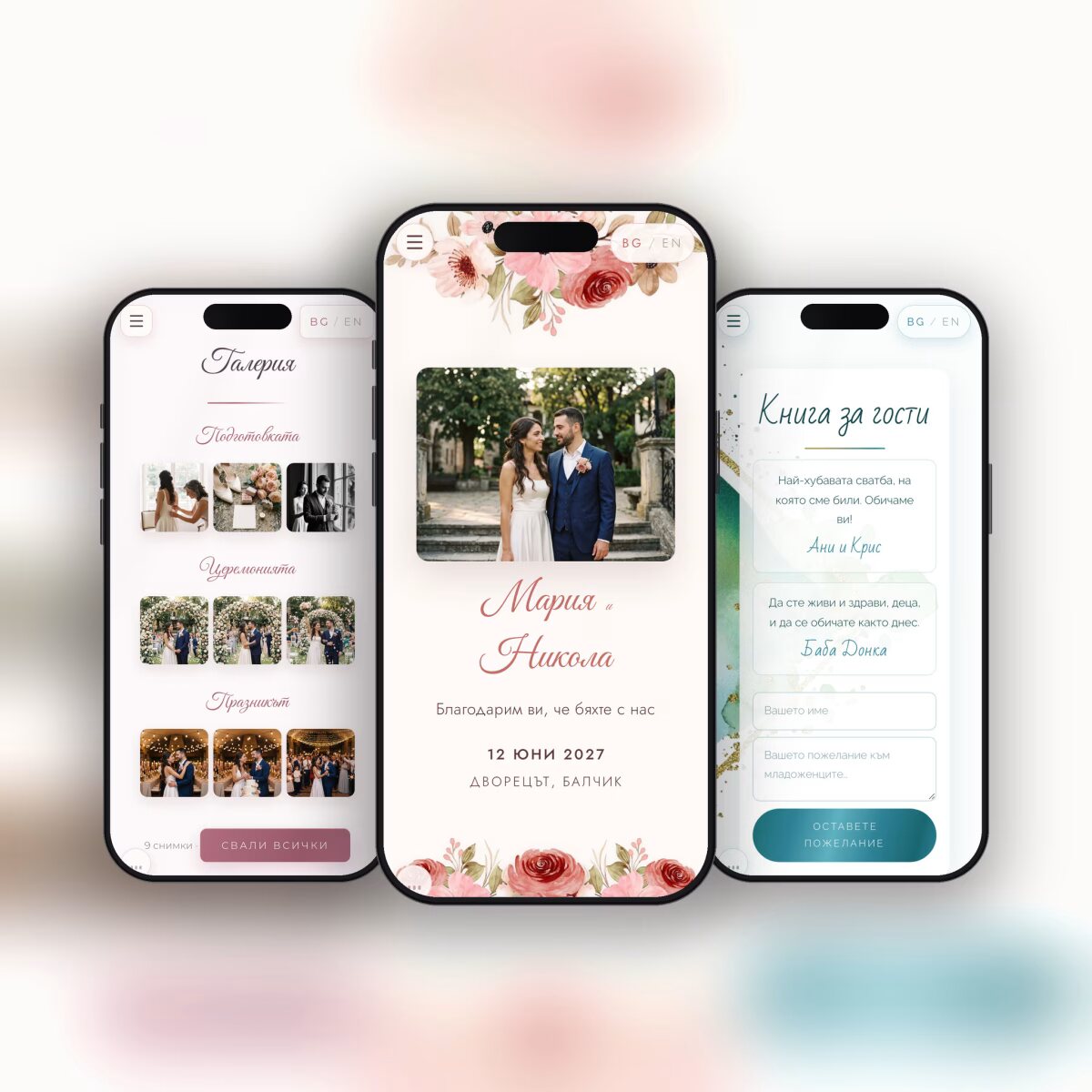
Not a picture - the page itself.
This is the real demo, exactly as the person you send it to will see it. Open it in a new window too - with the envelope and the music.
The editor
Easy. Personal. In minutes.
After your order you get a link to the editor and a PIN. Nothing to install, nothing to learn - you fill it in and watch it come to life.
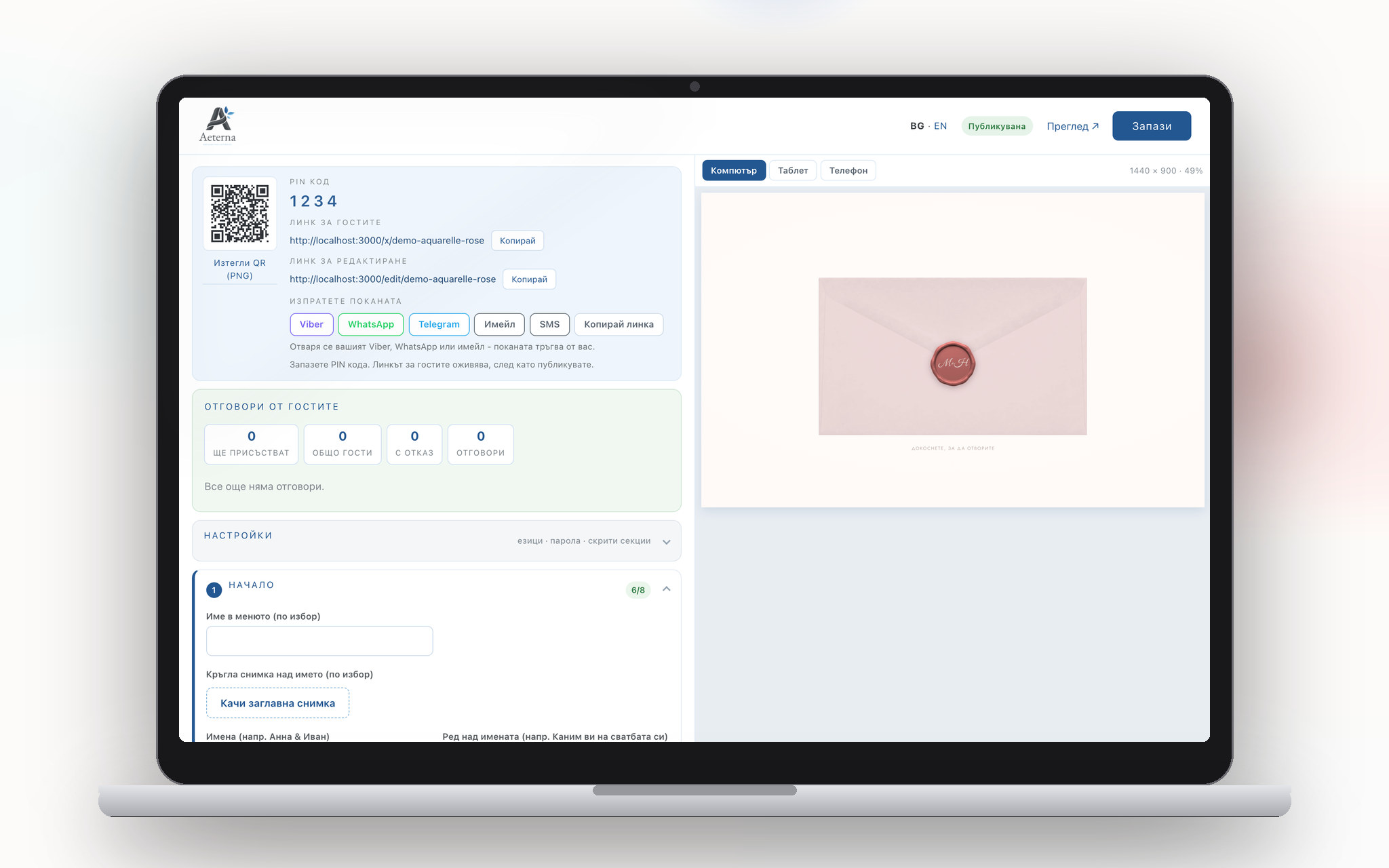
Bulgarian and English - one or both, as you choose. The invitation stays online for one year after the event.
About the product
What you get
Baby’s first Christmas. Snowy pine branches, photos from the first Christmas and the little big moments: the birth, the first smile, the first word.
How it works:
- Timeline - the important moments on one timeline - each with a date and a short text.
- Full-screen photos - up to 5 photos with captions; each one opens full screen and can be downloaded.
- Your message - a short text from you, the recipient's name and who it is from.
- An optional song - a YouTube or Spotify link that plays on the page itself.
What you get after ordering: a link to the page and an editor with a PIN. Ready in minutes: you fill it in yourself, see it straight away and send the link on Viber, Messenger or by email - or print it as a QR code on a mug, a heart or a Christmas ornament.
The page never expires. Bulgarian and English.
How it works
Three steps.
FAQ
Before you order
When do I get the invitation?
Right after payment. An email arrives with the link to the invitation and an editor with a PIN - usually within minutes. With a bank transfer - as soon as the payment comes in.
Can I change it after I have sent it?
Yes, as many times as you like, right up to the day. The link and QR code stay the same - guests always see the latest version.
Do I need a designer or special software?
No. You fill in the names, date, venue and texts in an editor that opens in the browser - on a phone or computer. You see the invitation as you type.
Do guests need to install anything?
No. The invitation opens from a link or QR code in the browser - no app and no sign-up.
How do I know who is coming?
Replies arrive in the editor: who is coming, how many people, which menu they chose and any allergies. You download them as a spreadsheet for the restaurant.
Can I hide sections I don't need?
Yes. Every section can be switched on or hidden in Settings - the invitation shows only what you have filled in.
What languages is the invitation in?
In Bulgarian and English, and from the editor you can add a third language - over 30 European languages and Russian. Guests switch by themselves.
How long does it stay online?
One year after the event. After the wedding the same link can hold the album with the photos - a separate product, “Memory”.
Reviews
What our customers say
Only customers who bought this product can leave a review.


There are no reviews for this product yet.